
Android · Offline · No account
When was the last time you did it?
Stop wondering when you last changed the oil in your car, visited the dentist, or watered your plants. TimeMate tracks your recurring activities and reminds you when it's time to do them again.
What TimeMate does
Calm and simple by design: your recurring tasks, their schedule, and a reminder when one is due.
-
Easy tracking
Record any activity with a single tap and always see when you last did it.
-
Smart reminders
Set how often a task repeats (days, months) and get a local notification when it's time to do it again.
-
Task categories
Organize your activities by category, such as Health, Home, Car or Maintenance.
-
Calendar views
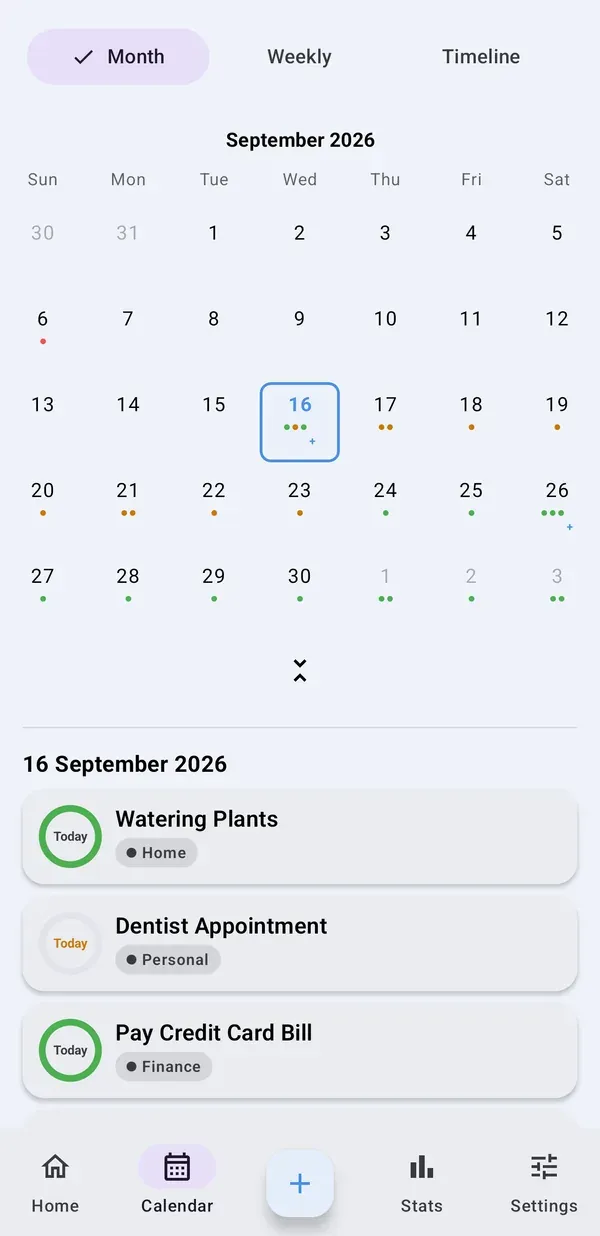
Plan ahead with month, week and timeline views of your tasks.
-
Privacy first
Your tasks and photos stay on your device. No account or login required.
-
Offline, with backups
The app works fully without internet access. Create and restore backups manually whenever you like.
How it works
Good for anything that comes back around: a furnace or air conditioning check, replacing the filter in a water pitcher, your last doctor's visit, washing windows, deworming your pet.
-
Add a task
Name the activity, choose a category and set how often it repeats, in days or months.
-
Get reminded
When it's time, TimeMate sends a local notification. No account and no server involved.
-
Mark it done
Tap once to log it. TimeMate remembers when you last did it, so you always know where you stand.
See it in action
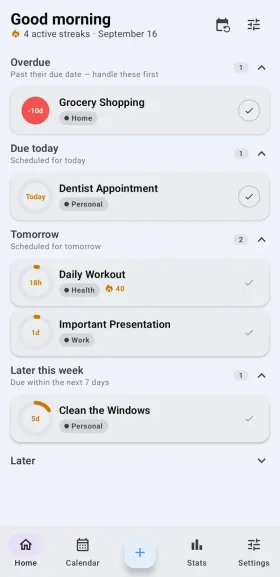
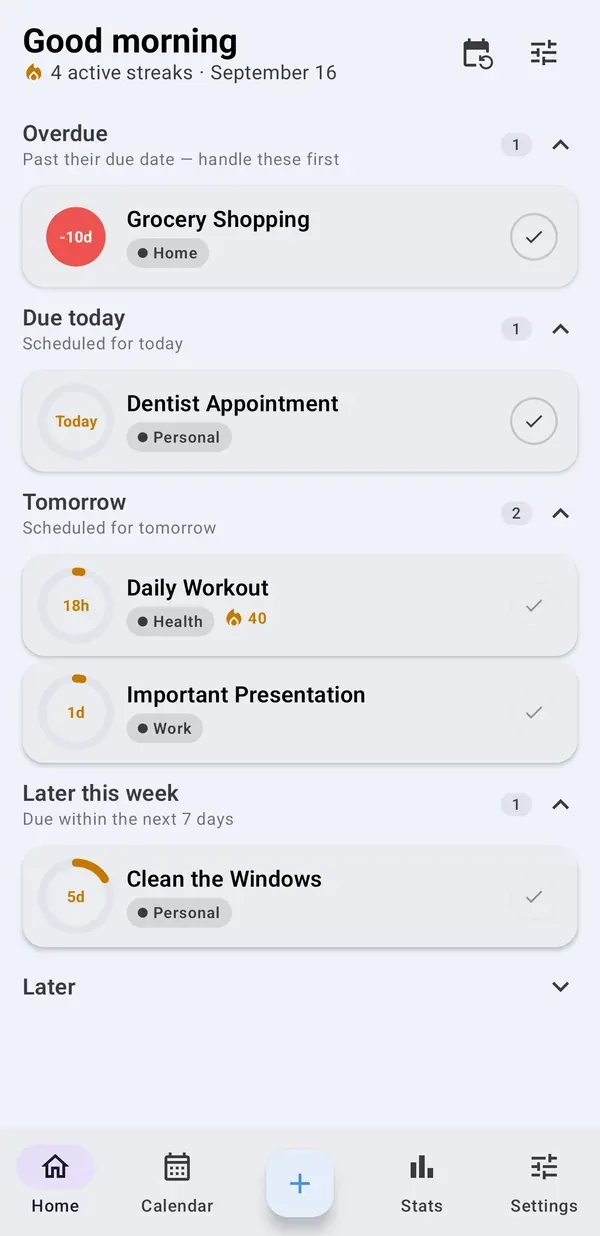
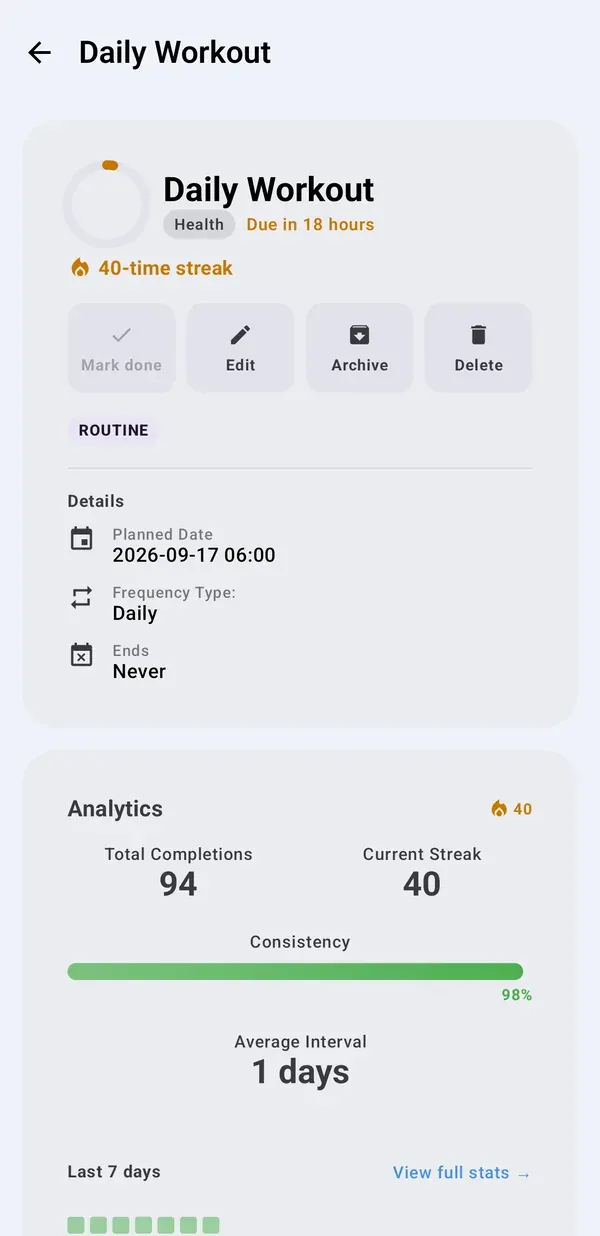
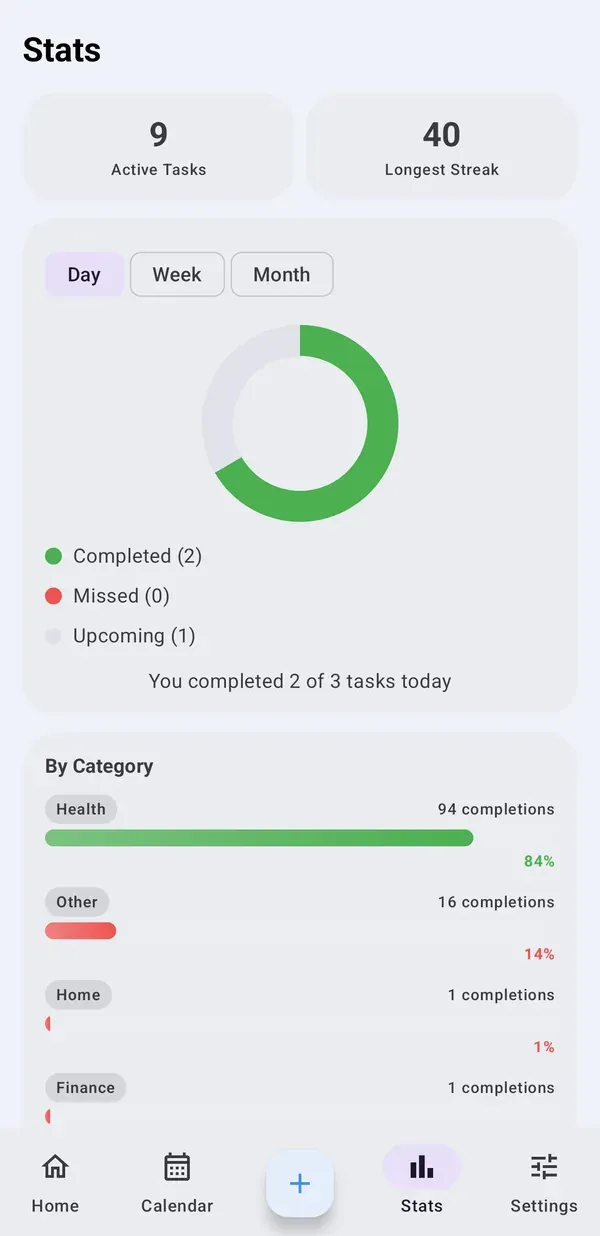
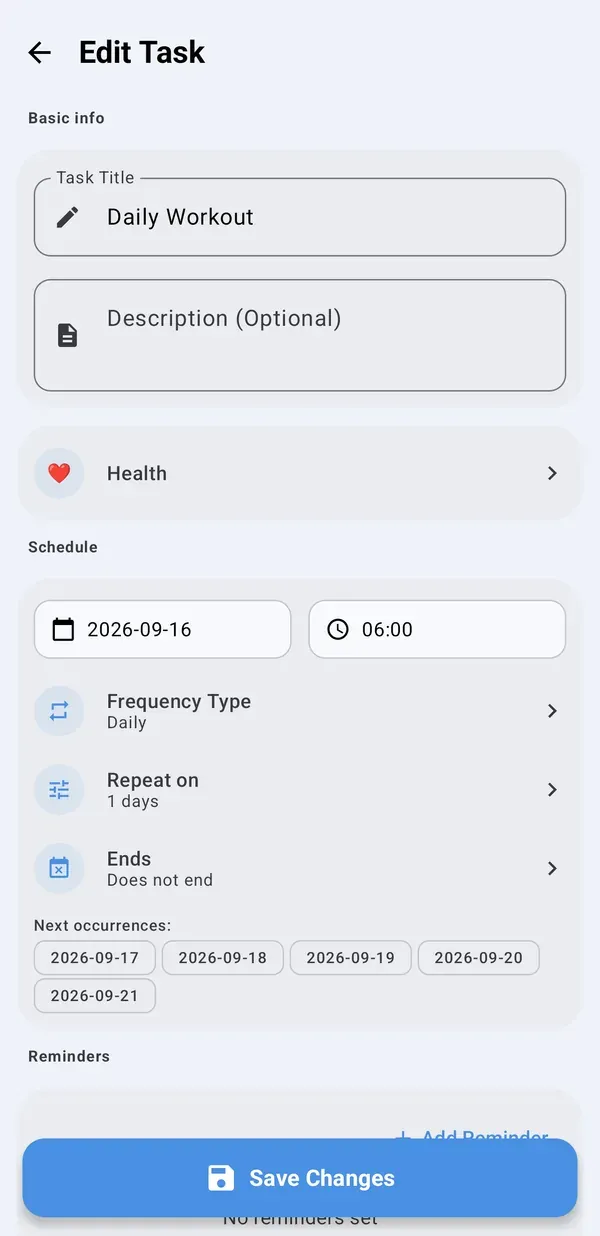
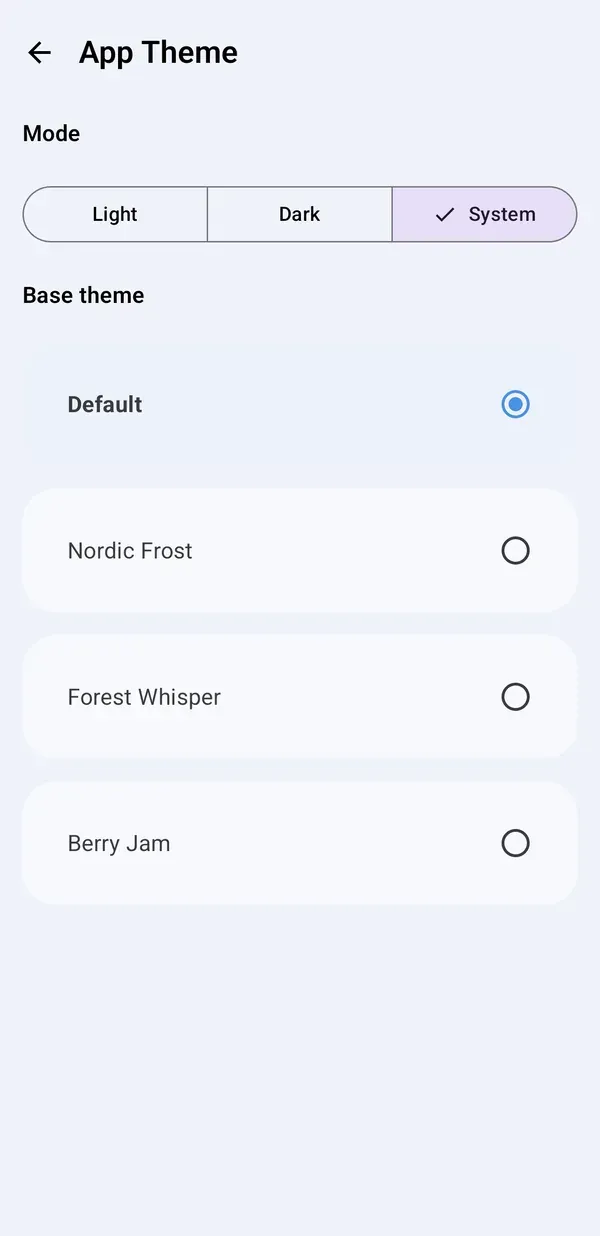
Screens from the Android app, shown with sample data.
TimeMate PRO (optional)
Unlock the full potential of the app with a one-time purchase and lifetime access, no subscription. The free version includes ads.
-
No ads
Enjoy a clean interface.
-
Full history
View a detailed log of all completed repetitions.
-
Progress visualization
Analyze your consistency with a heatmap.
-
Photos for tasks
Document completed tasks, for example a receipt or a replaced part.
Questions
Do I need an account or an internet connection?
No account is needed and the app works fully offline. The internet is only used for installation, updates, PRO purchases and showing ads in the free version.
Where is my data stored?
Everything you enter, such as tasks, completion history and photos, is stored only on your device. TimeMate has no server for it and the developer has no access to it. Because of that, uninstalling the app without a backup means the data is gone, so create backups from time to time.
Is TimeMate free?
Yes, the free version covers tracking, reminders, the history of the last 5 completions per task, and backups, and it shows ads. TimeMate PRO is an optional one-time purchase that removes ads and adds the full history, photos for tasks and the progress heatmap.
Can I move my tasks to a new phone?
Yes, with a backup: export one in the app, then restore it on the new device. Your PRO status can be restored on a reinstalled app or a new device, because purchases are verified through RevenueCat.
Is TimeMate available for iPhone?
At the moment TimeMate is available for Android, on Google Play.
More in the Privacy Policy and Terms of Service.
Simple, local, and always on time.
Install TimeMate and take control of your recurring tasks.